Books
3 min read
Family History Book Layout and Typography: Making Genealogy Readable
Typefaces, page sizes, margins, running heads, captions and index design for a family history book that is pleasant to read and easy to navigate.
Family tree charts & family history books
Upload the .ged file from your genealogy program and get a clean, compact chart with every relative in the right place, plus a draft of a family history book with charts, sources and an index. Ready for the wall and the bookshelf.
Works with exports from Ancestry, MyHeritage, FamilySearch, Family Tree Maker, Gramps, RootsMagic and Legacy.
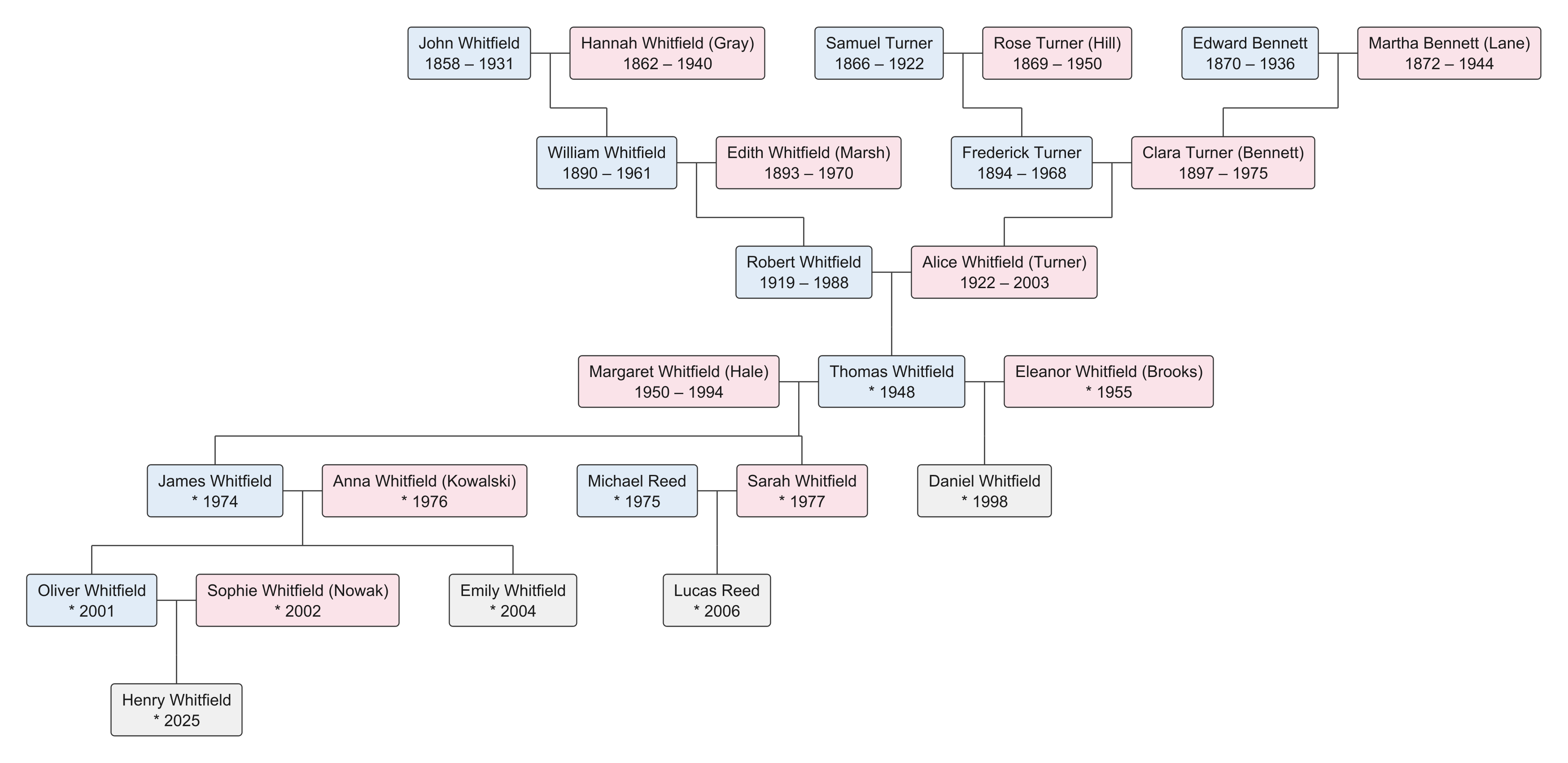
Most tree printers give you overlapping boxes, duplicated people and lines that cross for no reason. We started from the layout problem and solved it properly.
A layout engine built for genealogy: boxes never collide, couples stay together, children stand under their parents in birth order, and crossings are avoided wherever the data allows.
Second marriages, half-siblings, adoptions and cousin marriages are drawn the way a genealogist expects, with the person in the middle and each family under its own line.
Chapters per generation, a chart at the head of each chapter, facts written as sentences, sources as footnotes and an index of names, all generated from your GEDCOM.
PDF in standard paper sizes, SVG for posters of any size, PNG for screens. Fonts and line widths chosen for paper, not just for pixels.
UTF-8 all the way: Polish, German, French, Czech and Scandinavian names print exactly as you recorded them.
Upload, generate, download, delete. Files are yours, living people can be hidden with one setting, and nothing is shared.
Switch between chart types with one click and compare them before you print.
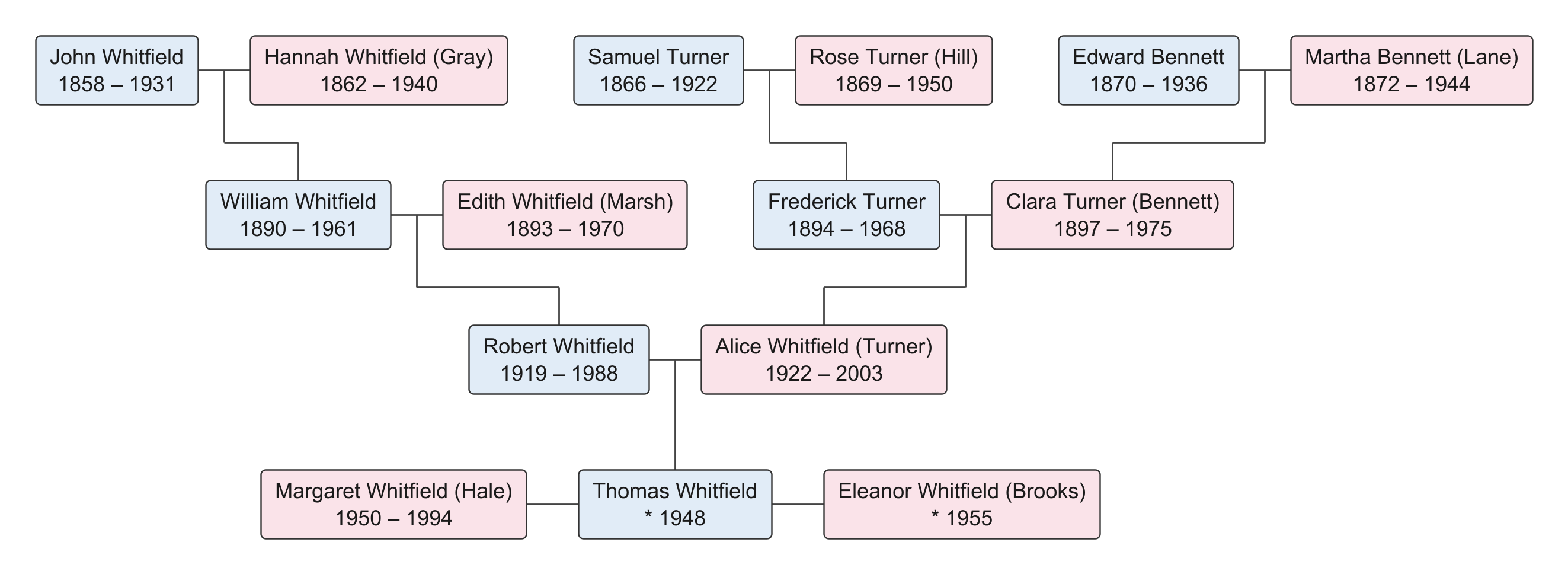
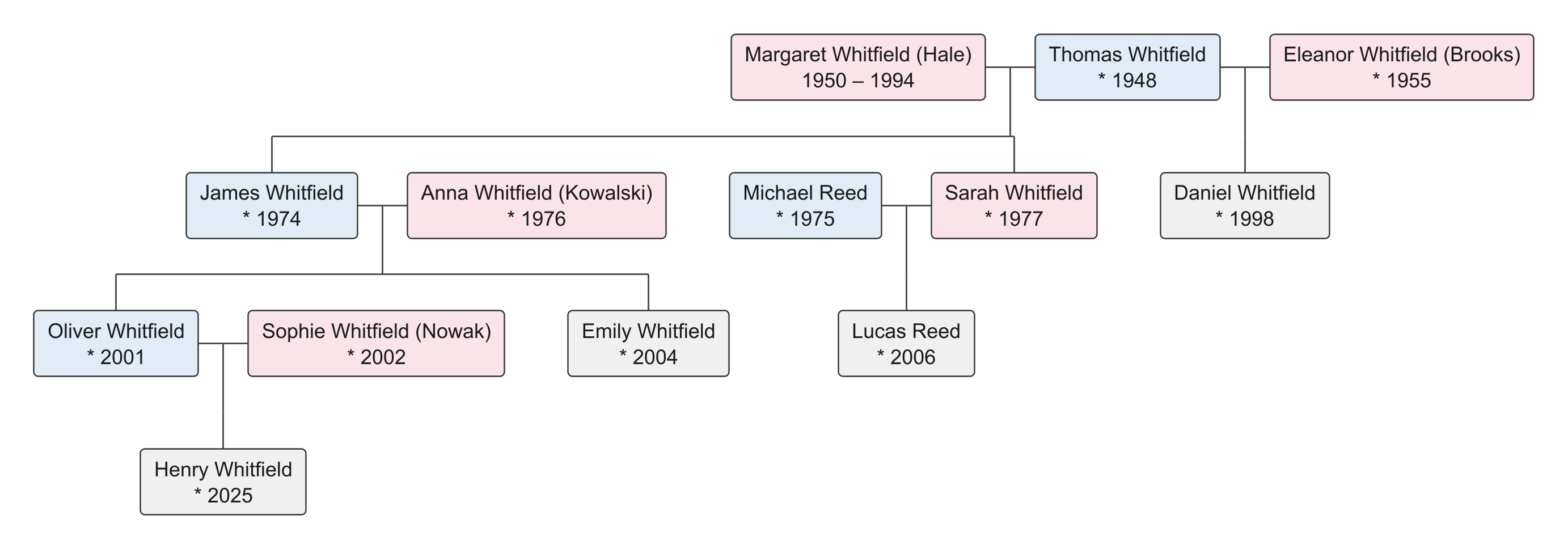
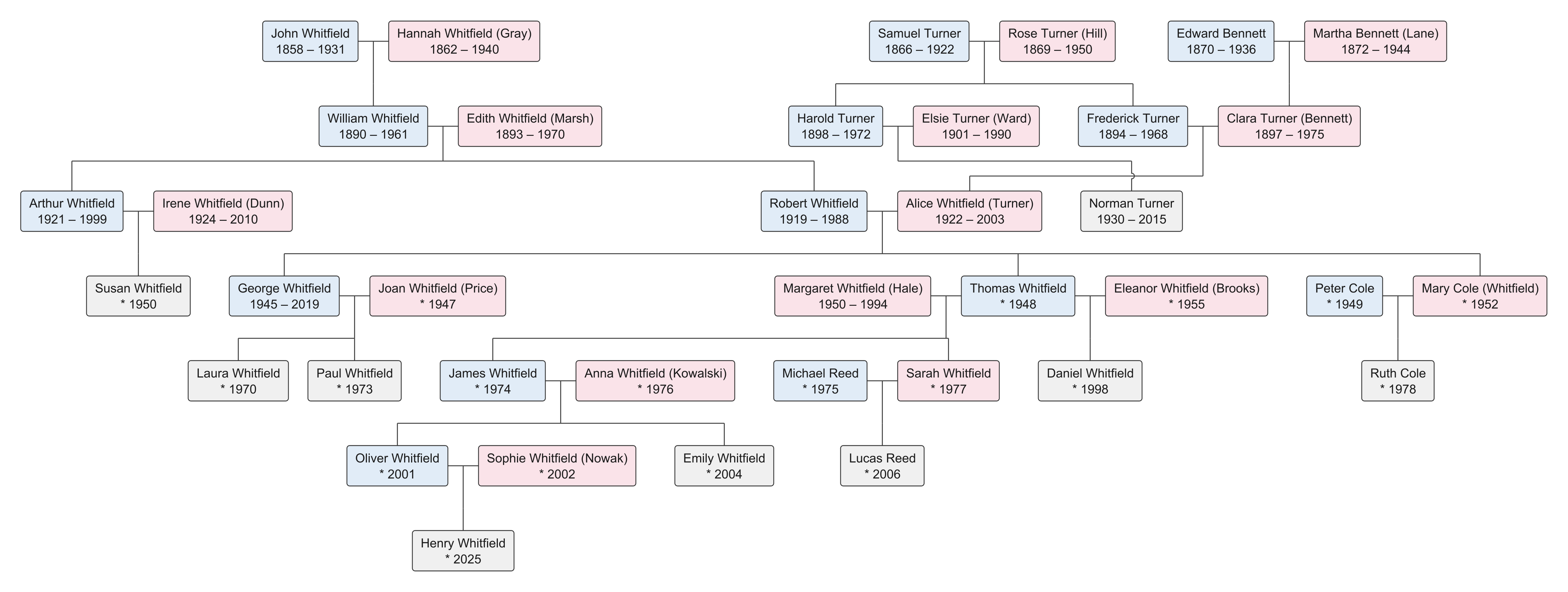
Family history books
A chart shows the shape of a family. A book tells its story. PrintFamilyTree generates the parts of a family history book that are tedious to write by hand, so that you can spend your time on the stories only you know.
Three steps, no retyping, no drawing by hand.
From Ancestry, MyHeritage, Family Tree Maker, Gramps, RootsMagic or any other program. It takes a minute and you keep a backup of your research.
Pick the person at the centre of the chart, the chart type and how many generations to draw. The preview updates in seconds.
Get a print-ready PDF, an SVG for a poster of any size, or a PNG for the family group chat. Or generate a book draft and start writing.
Launching soon
We are finishing the book generator and the online editor. Leave your e-mail address and you will get one message when the service is ready, with the launch offer for early subscribers.
Guides on GEDCOM files, chart types, research methods and family history books.
Typefaces, page sizes, margins, running heads, captions and index design for a family history book that is pleasant to read and easy to navigate.
A walkthrough of turning a .ged file into a clean, printable family tree chart: uploading, choosing the central person and chart type, checking the layout and exporting.
An honest guide to genealogy software and websites: what is free, what is worth paying for, and how to combine a desktop program, an online service and a printing tool.